|
WinArchiver provides full
support for ISO file and other popular disc image files. It allows you
create, extract, edit, mount, burn ISO file and other image formats. You
can make ISO file from disc easily with WinArchiver.
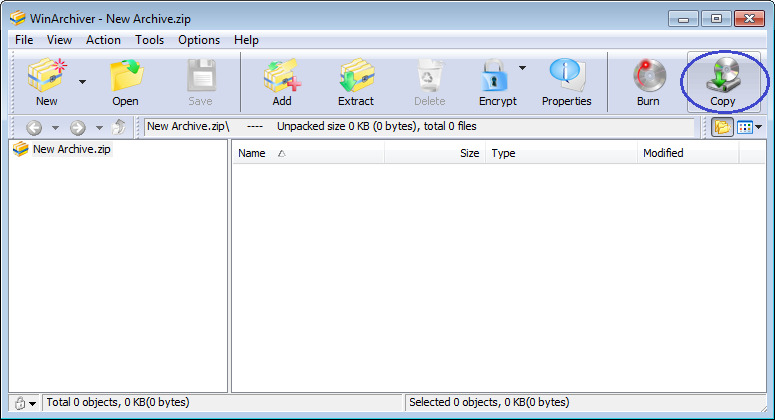
1. Start WinArchiver.
2. Click "Copy" button on toolbar, the "Make Image File
from Disc" dialog will display.
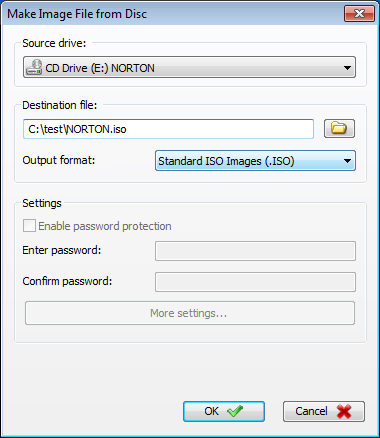
3. Choose the proper source
drive, destination file path name, and the output format.
4. Click "OK" button in the dialog to start making iso file.
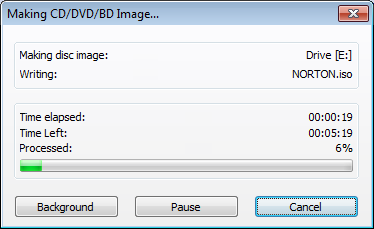
.
|

